How it works
A color that looks right on a little paint chip can look very different on a whole house. See it on your own walls first.
-
 1
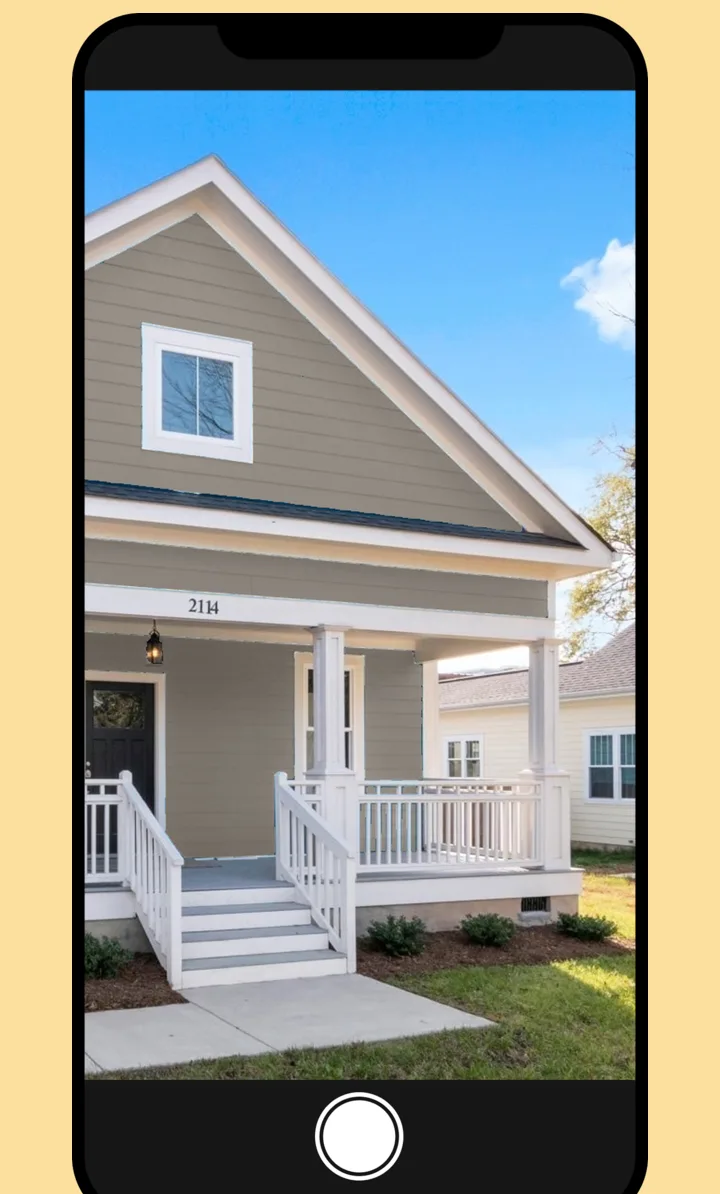
Take a photo of your house
Use the camera or import a photo you already have. A wall in daylight gives the truest colors.
-
 2
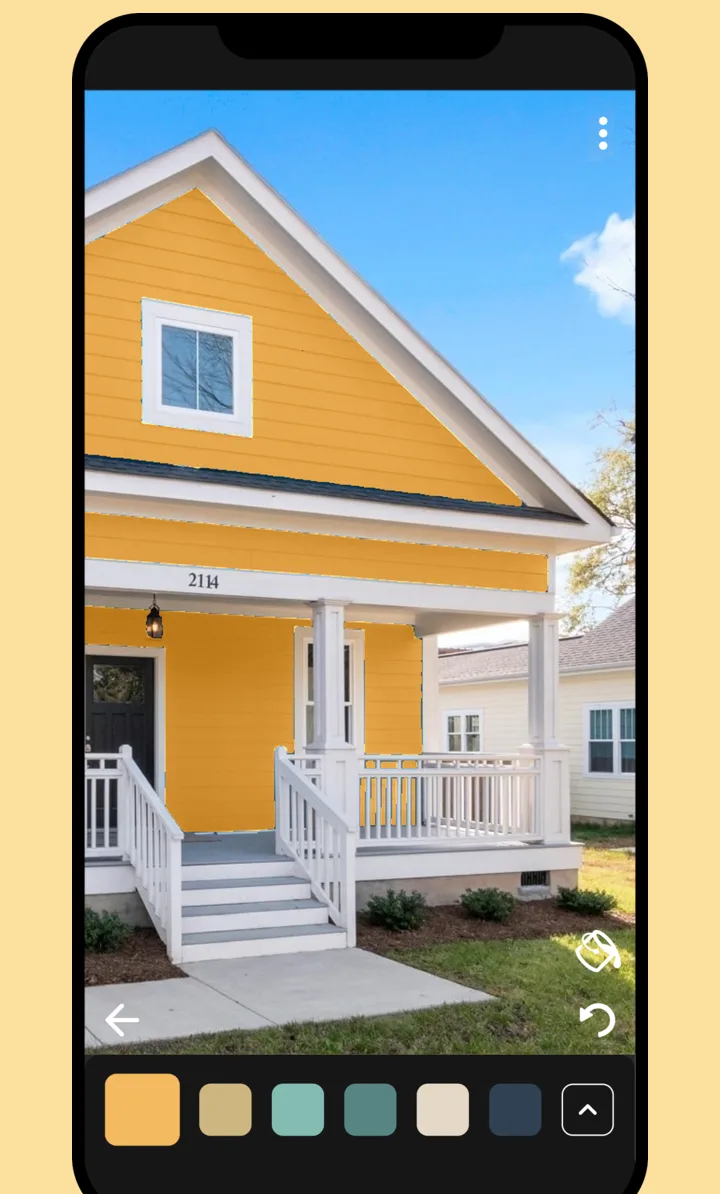
Tap a wall
The color fills the surface you tap. Hold your finger to draw around a smaller area, like the trim or a door.
-
 3
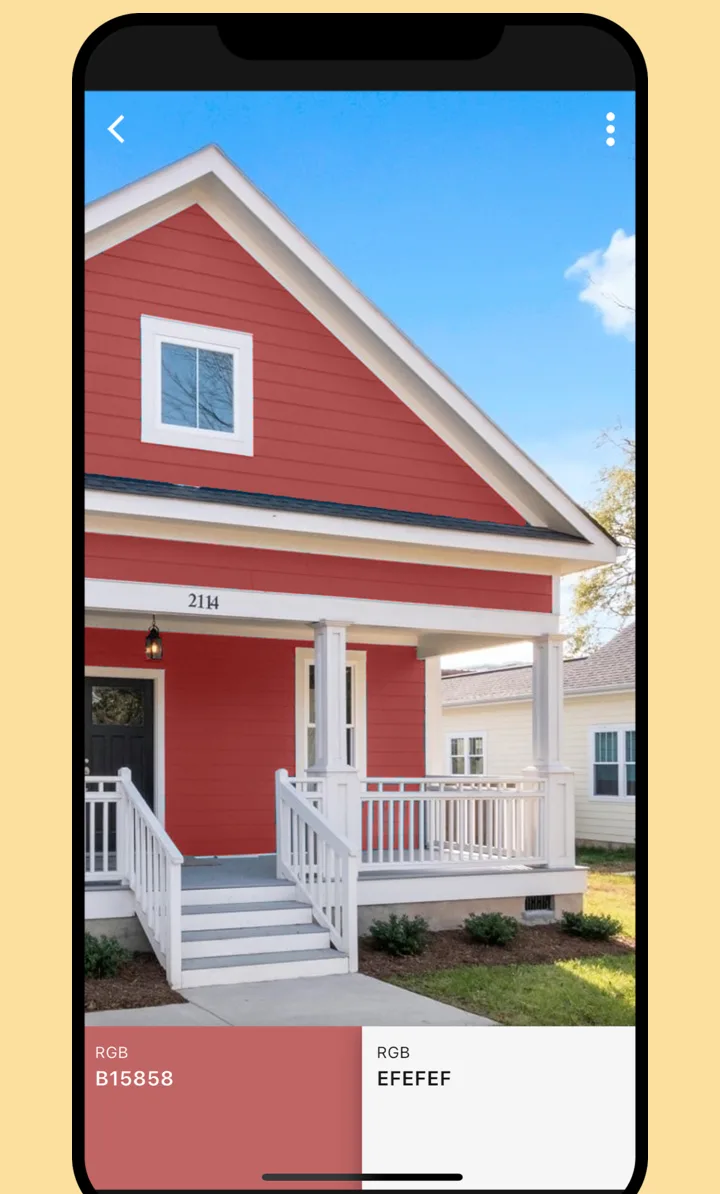
Compare colors
Try another color or undo. Save the versions you like as projects and come back to compare them.
What people use it for
Anything on the outside of a house that's about to get a new coat of paint.
A new facade color
See the whole front of your house in a new color before you buy paint or book a painter.
Trim, doors and fences
Give the trim, front door, garage or fence a color of its own, next to the walls.
Match a paint chip
With premium, enter a paint's HEX code and see that exact shade on your house.
Agree on a color
Export the picture and show it to your family or your painter before anyone opens a can.
What people say
Reviews from Google Play and the App Store.
“Great for visualizing what color to paint our new siding! I especially appreciate the ability to put in exact hexcodes to assure it matches the paint chips in question.”
“This App gives you the option to paint a specific area unlike the other apps. Thanks to the developer.”
“excellent easy to use and accurate love it a million times.”
Questions
What is the best free app to visualize paint colors on my house exterior?
Paint my House is a free app for iOS and Android. You take a photo of your house, tap a wall, and see the new color right there. Over 510,000 people have used it to pick a color before painting.
Can I see what my house will look like in a different color before I paint?
Yes, that's the whole point of the app. Snap a photo, try any color on the exterior, and you'll know if it works before you buy a single can of paint.
Does Paint my House work with a photo of my own house?
Yes. It uses your own photo, not some generic template, so what you see is your actual house with its real walls, roof, and surroundings.
Is Paint my House free?
The app is free to download, and you can try it out with 6 preset colors to see how it works on your own house. To unlock the full palette and try any color you want, there's a paid in-app upgrade.
Do I need to create an account to use it?
No. You can open the app and start trying colors right away. No sign-up, no account.
What can I use it on?
The outside of your home. Facade, exterior walls, garage, fences, whatever you're painting. It works on the outdoor surfaces of your house.
What devices does Paint my House work on?
It's on both Android and iOS. You can get it on Google Play or the App Store, for phones and tablets: iPhone, iPad and Android.
How do I choose a paint color with the app?
Take a photo of your house, tap the surface you want to change, and try out colors until one feels right. You can go back and forth between a few options to compare them on your own home.

See the color on your house first
Paint my House puts paint colors on a photo of your own home, so you pick the right one before you buy. Free to download on iPhone, iPad and Android.